
01 / CREATE PALETTE
Explore freely. Keep what works.
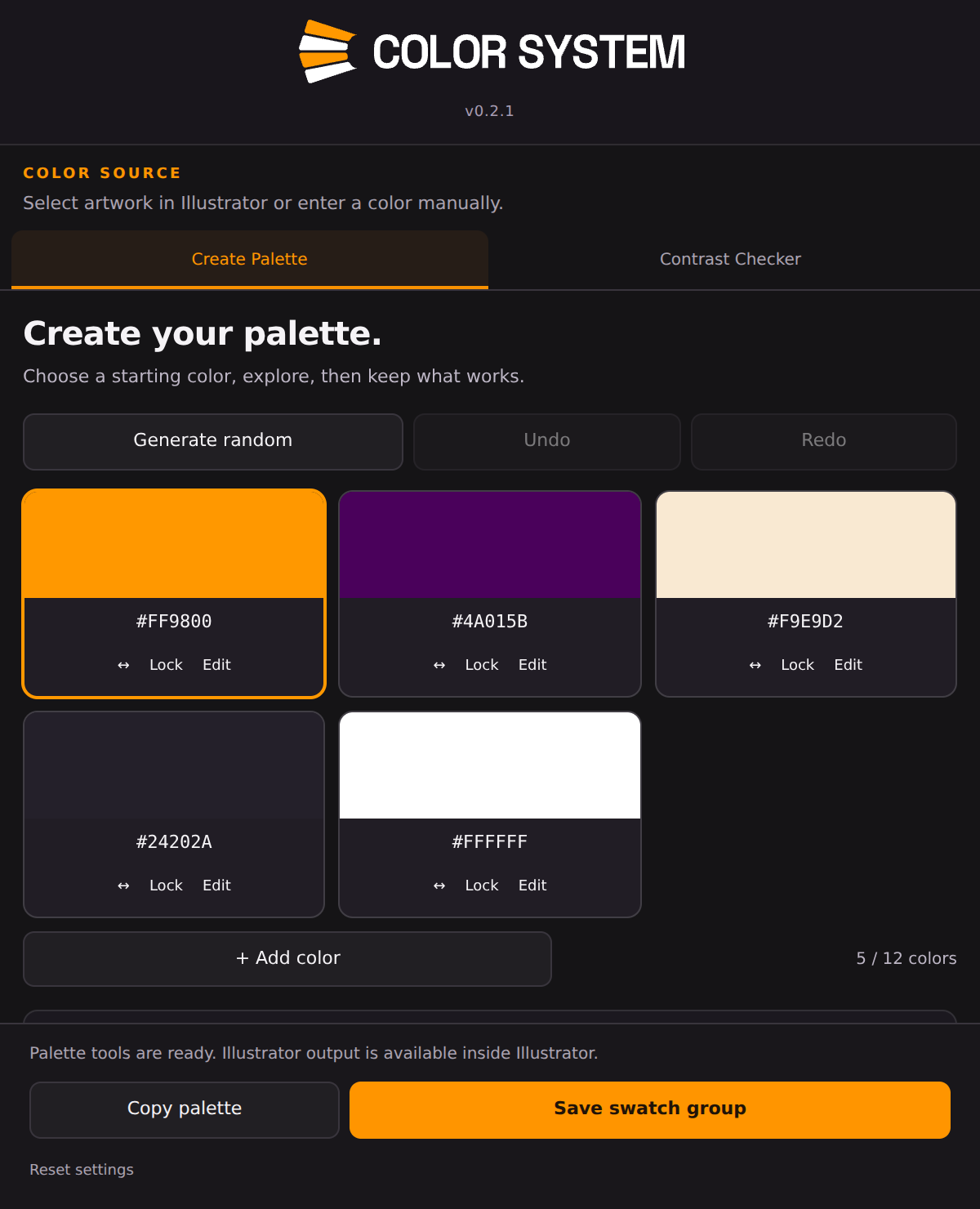
Start with a base colour, pick from selected Illustrator artwork, or extract colours from an image. Generate a harmonious palette, lock the colours you want to keep, and refine the rest in one workspace.
- Build palettes with 2–12 colours. Add, edit, reorder and name colours, with undo and redo.
- Explore harmonies, tints, shades and scales. Assign roles and copy HEX codes.
- Apply a colour to a fill or stroke, or save the palette as an Illustrator swatch group.