01 / BRAND ASSETSMake the guide unmistakably theirs.
Capture the full logo, symbol and wordmark from your Illustrator artwork. Add optional horizontal, stacked, monochrome, reversed and other variations so the selected template has the right assets to work with.
- Assign each asset from the canvas.
- Keep source documents open while preparing the guide.
- Use optional variations when the selected pages need them.
02 / TYPOGRAPHYDocument a real type hierarchy.
Choose fonts available in Illustrator and assign them to headings, subheadings, body text and smaller supporting text. Enable secondary and tertiary families where the identity calls for more than one typeface.
- Refresh the installed Illustrator font list.
- Set roles across up to three type families.
- Tertiary template roles fall back to the primary family when disabled.
03 / BRAND COLOURSCarry the palette through the document.
Enter the brand’s colours as editable Illustrator swatches. Your palette supplies the template’s colour roles, helping the generated pages reflect the identity you are documenting.
- Enter the client’s own colours rather than starting with a preselected palette.
- Use editable output for final colour and layout adjustments.
- Review colours in the intended document and output context.
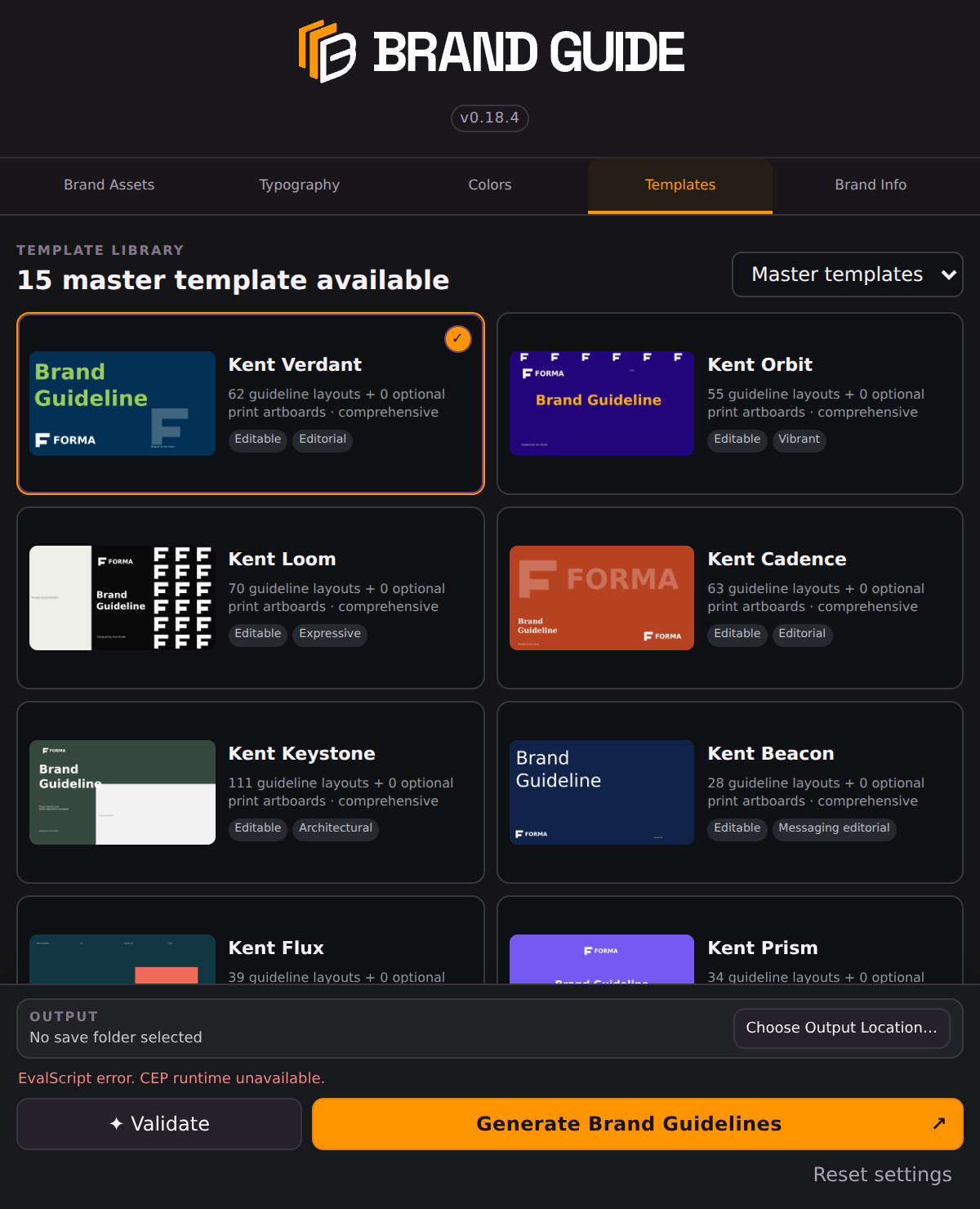
04 / TEMPLATES AND PAGE SELECTIONChoose the shape of the story.
Explore the 15 included master templates, preview their layouts, then select whole sections or individual pages. Build a shorter guide or a more extensive document around what the project needs.
- Verdant, Orbit, Loom, Cadence, Keystone, Beacon, Flux, Prism, Hearth, Meridian, Vista, Cipher, Relay, Mosaic and Current.
- The cover is required; optional pages can be omitted.
- Selected sections drive the contents and Brand Info fields.
06 / GENERATE AND HAND OVERFinish with files you can still edit.
Validate the setup, choose an output location and generate the brand guide. The completion report identifies the editable Illustrator file and the PDF presentation copy, along with any warnings.
- Editable AI source for refinement after generation.
- PDF copy for presentation and sharing.
- Optional print artwork where supported by the template; review all output before delivery.